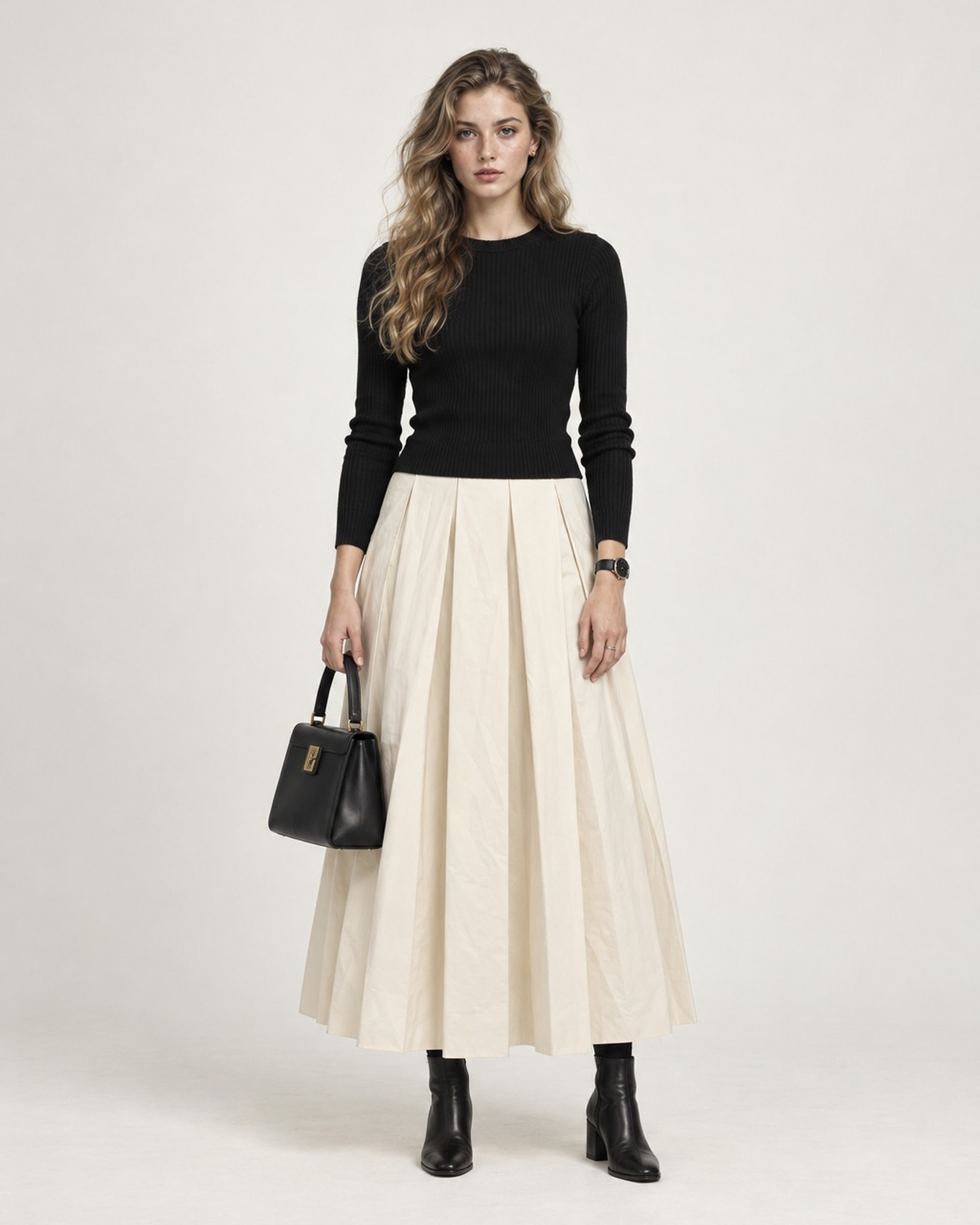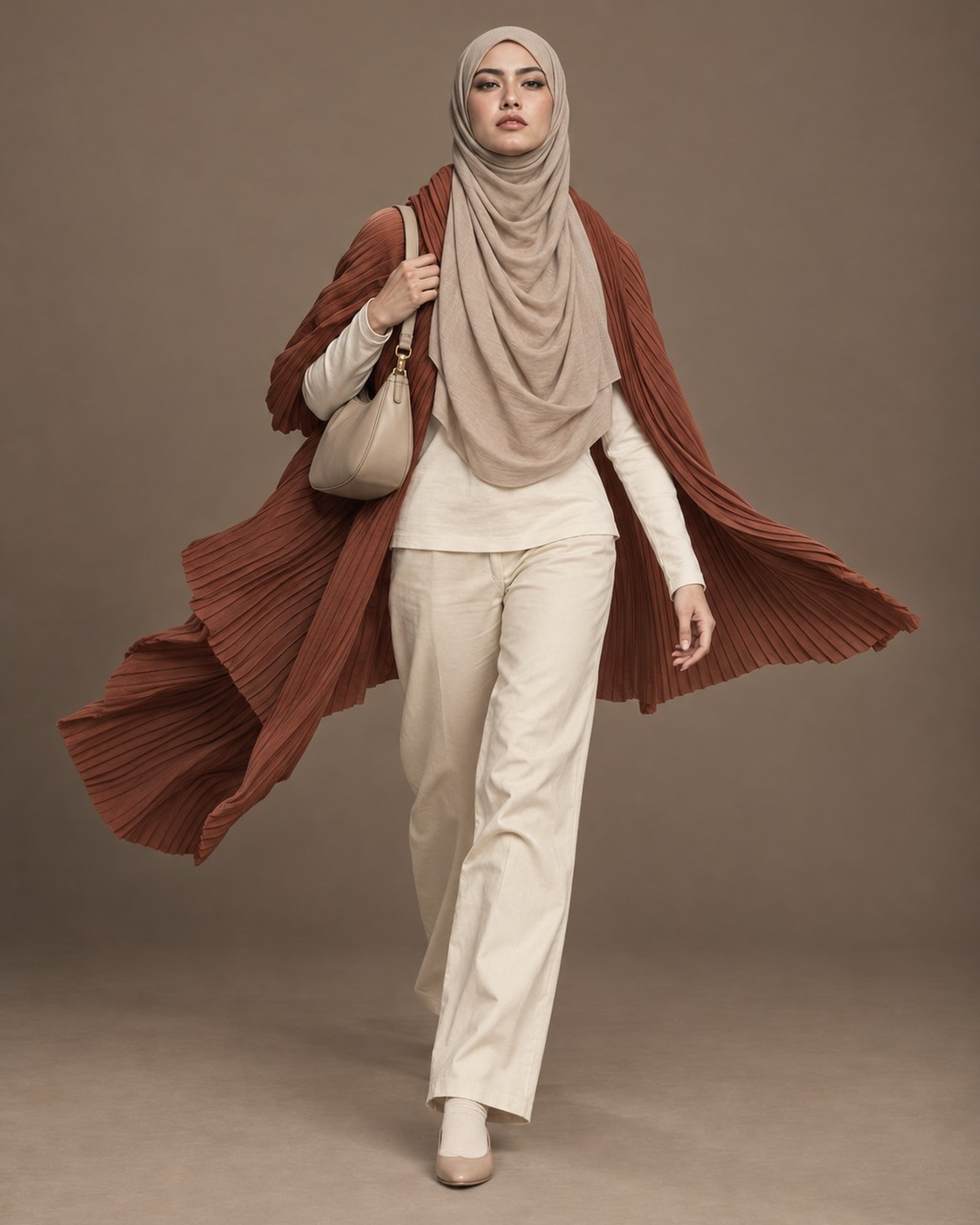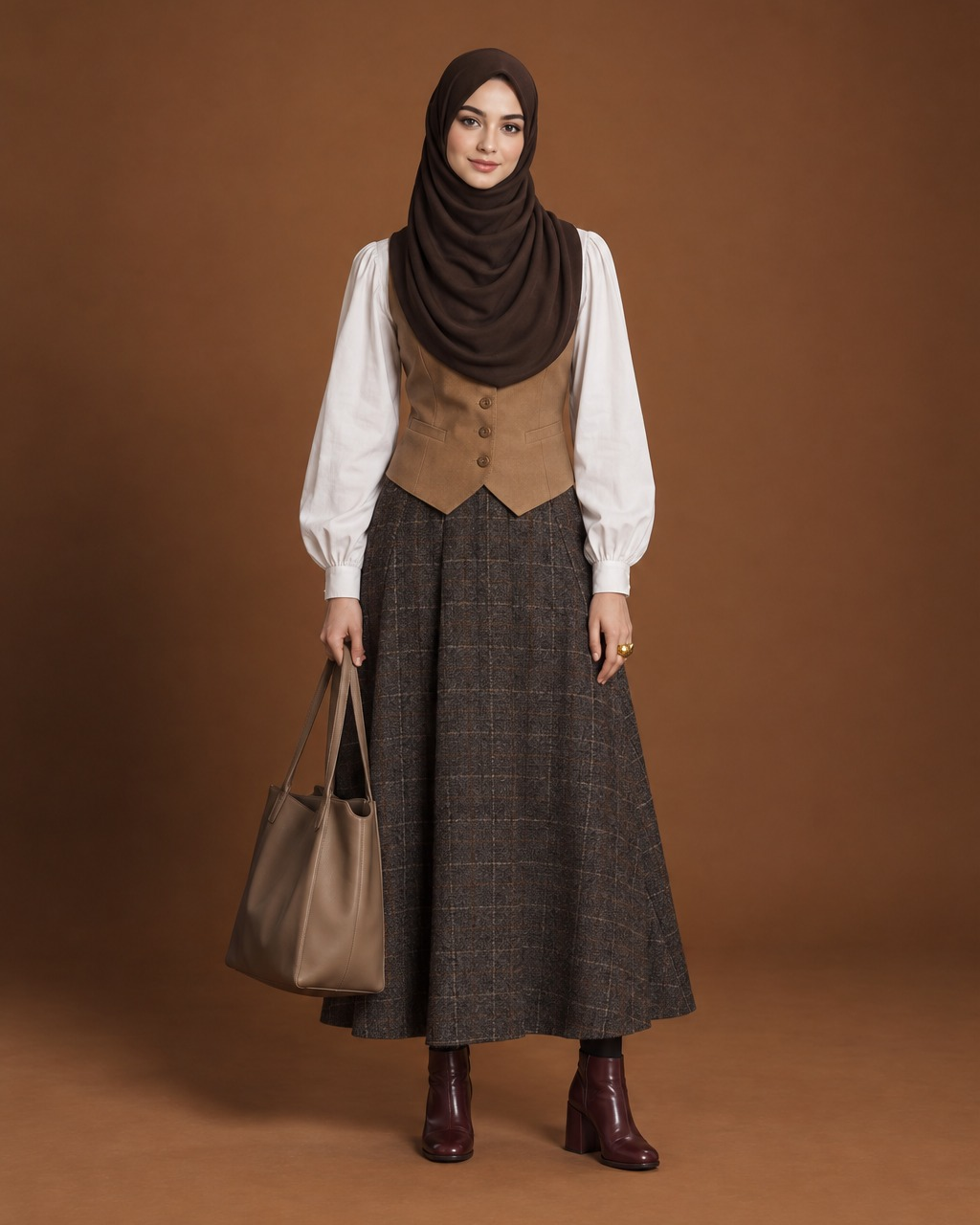
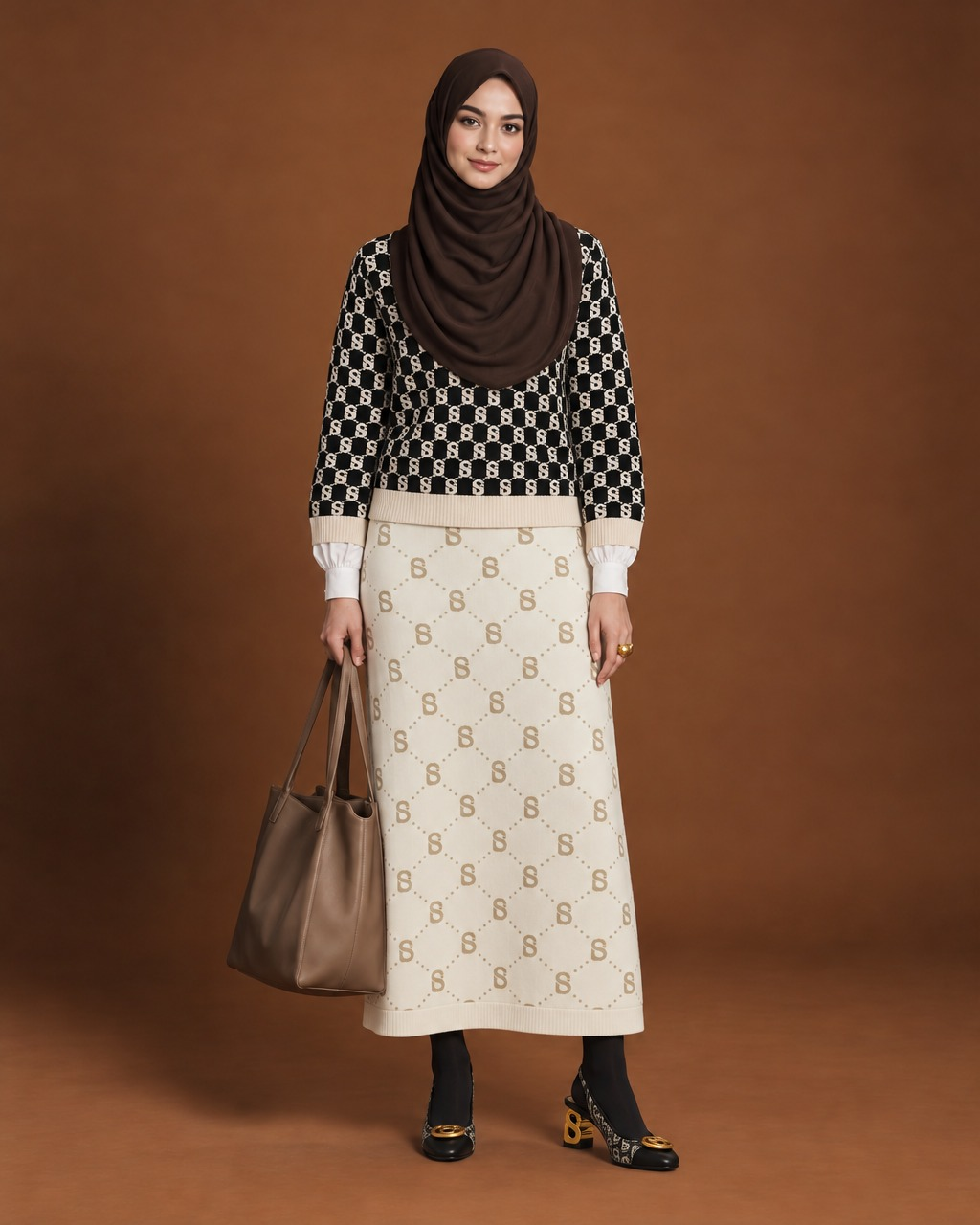
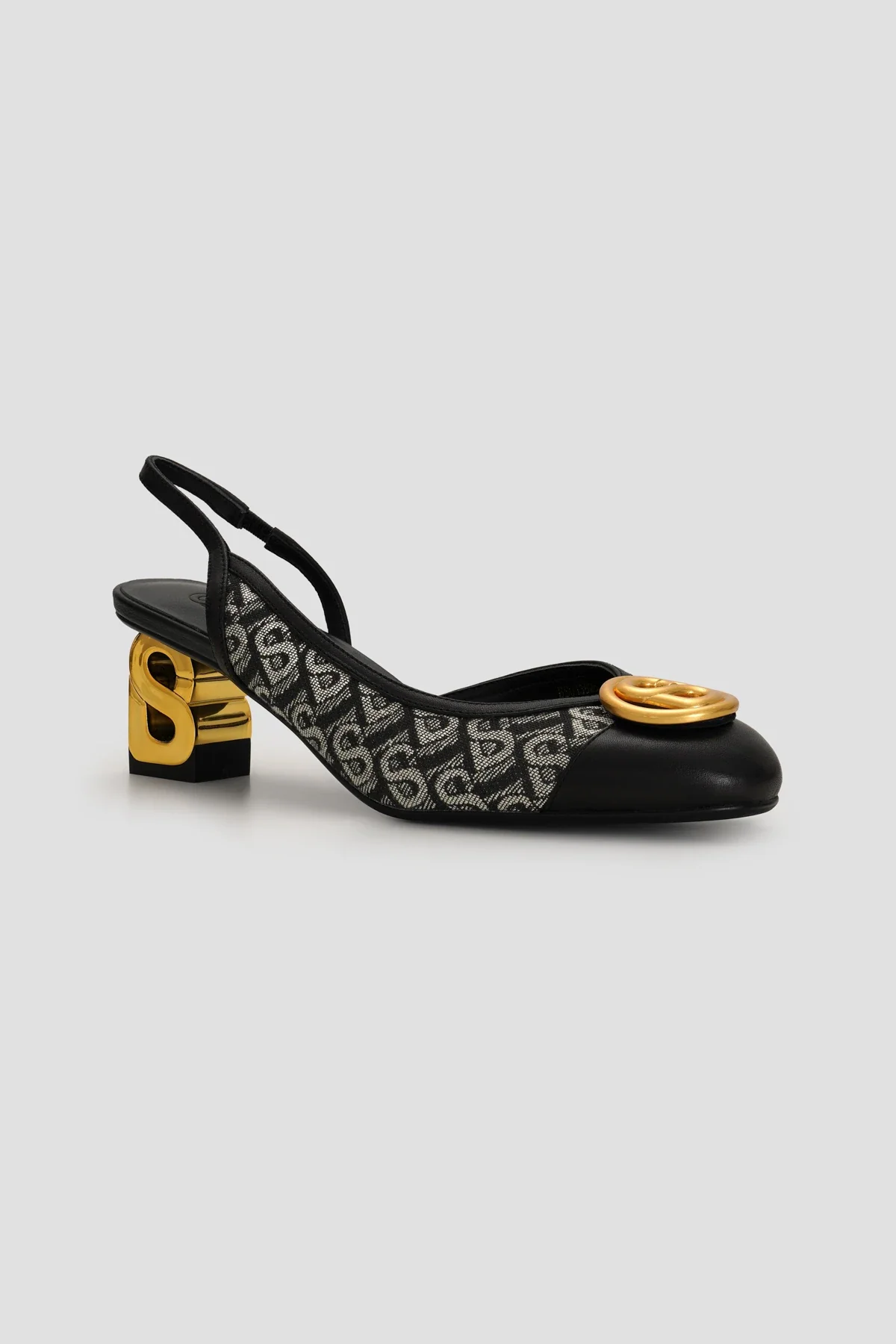
What stays true to your product
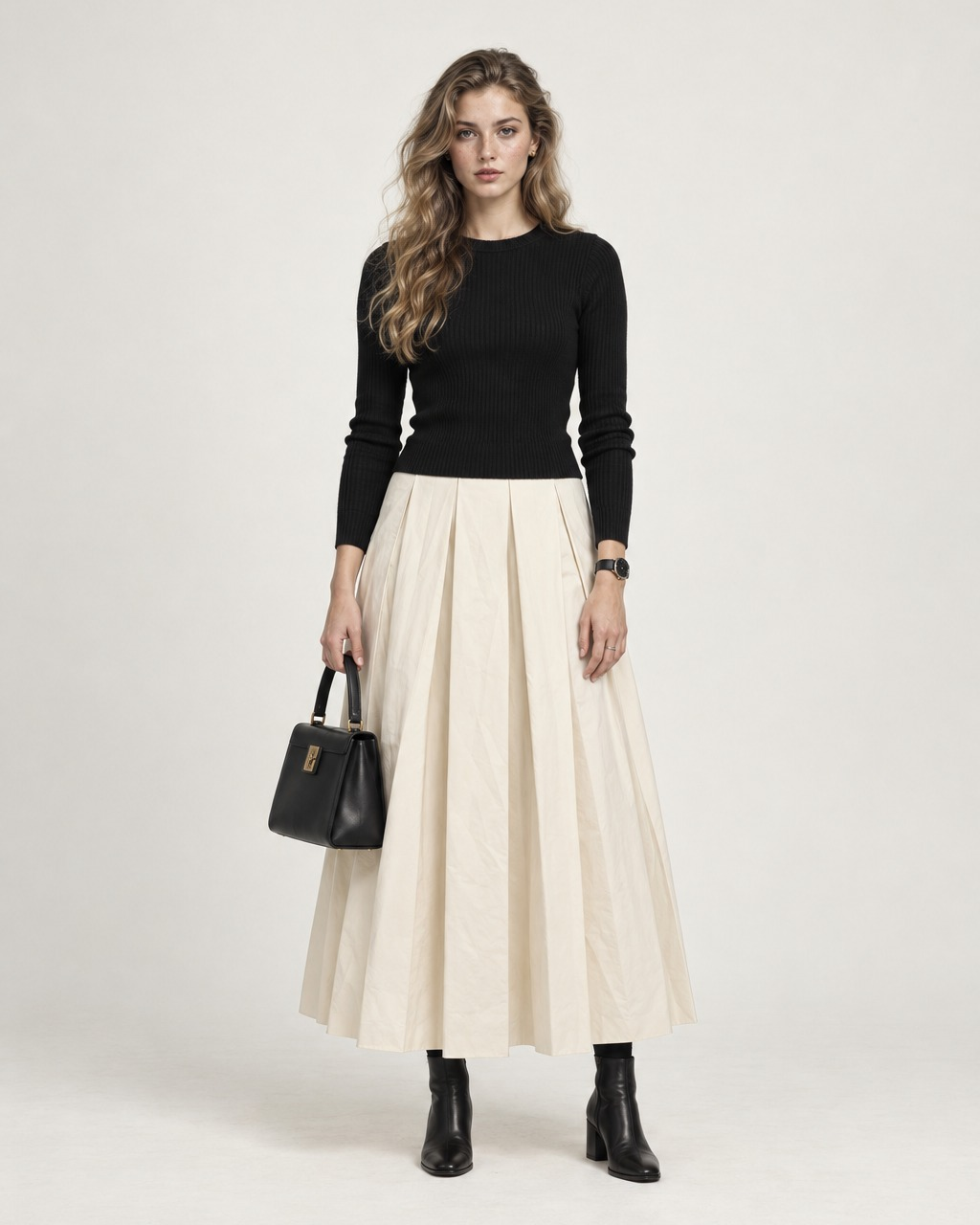
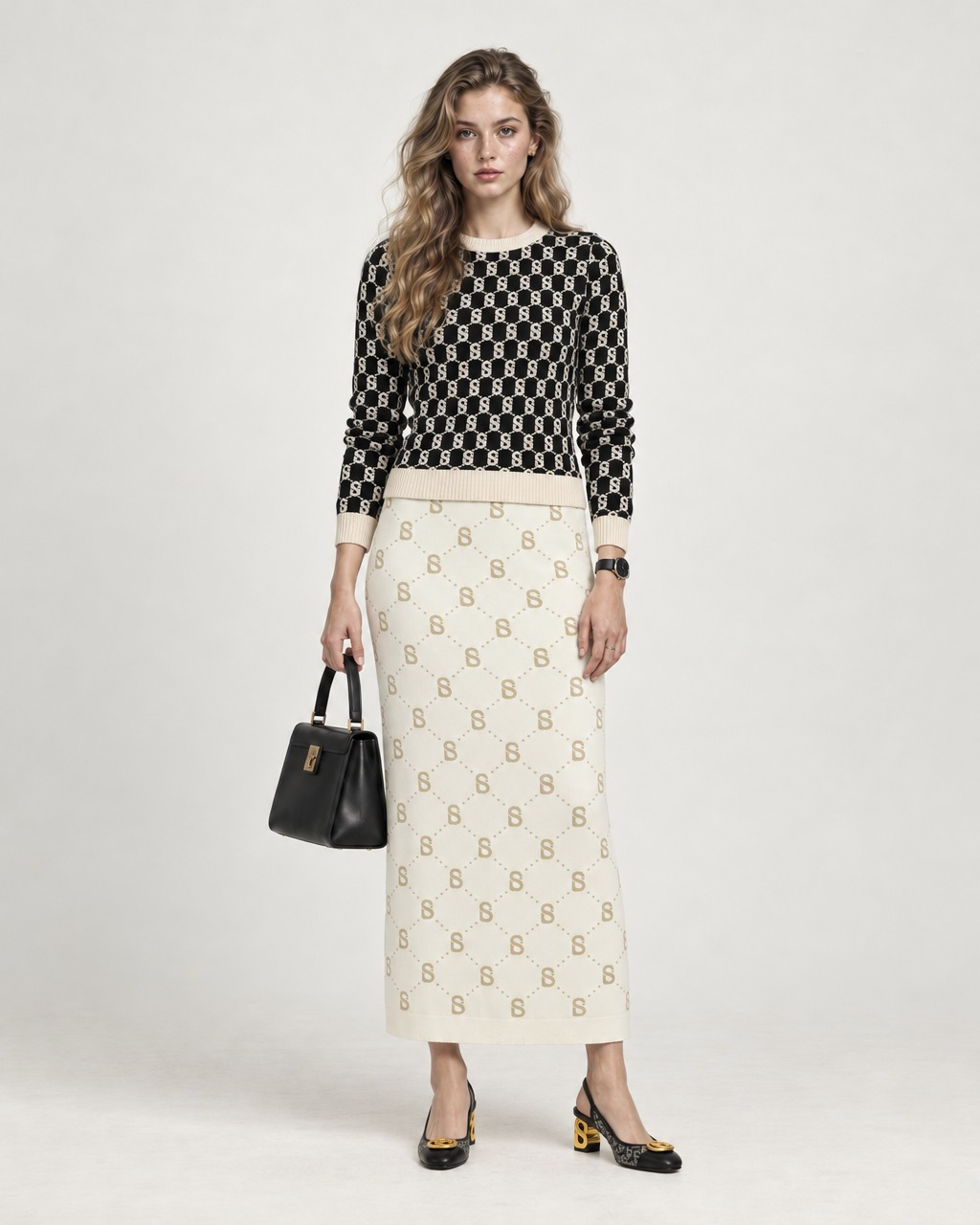
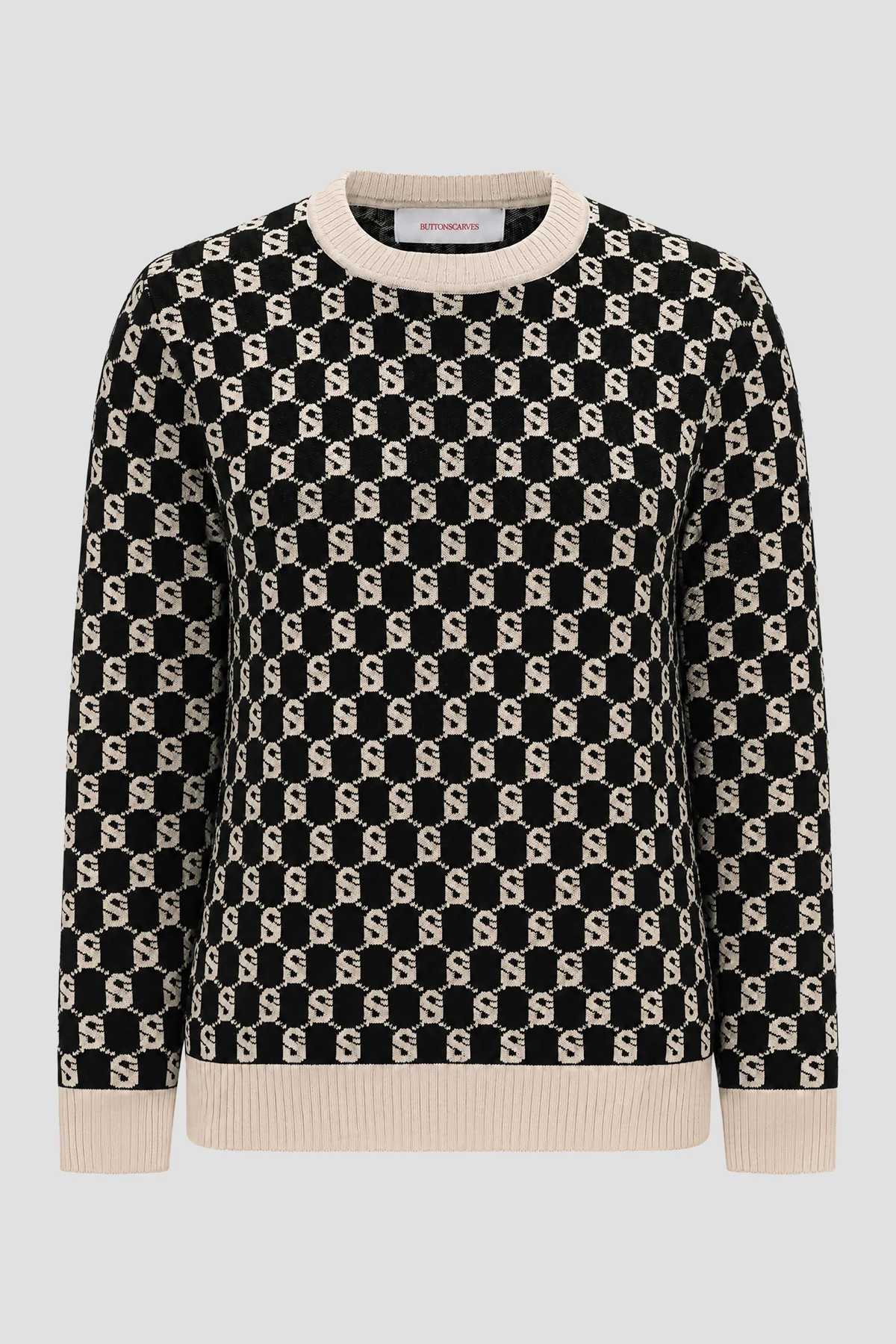
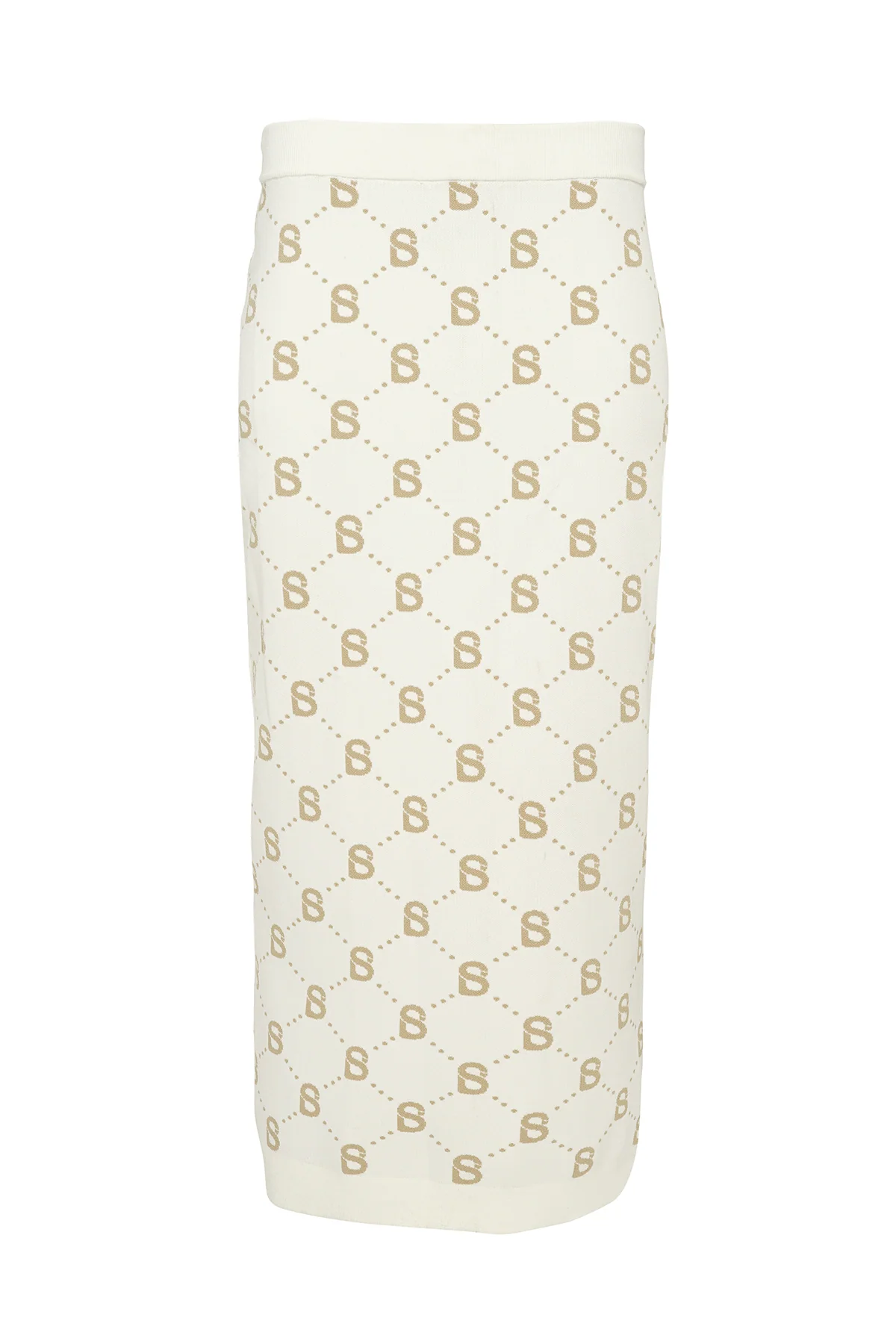
Virtual Try-On works from your product photos, not a text description. The monogram pattern, knit texture, colour and the gold heel detail carry through to the finished shoot, while the model, pose, light and hijab stay as they were.
- Pattern and logo placement follow the product photo.
- Hijab coverage is kept intact, draped over the chest and neck.
- Shoes and accessories swap in with the outfit.
How brands use it
One SKU set can become a full lookbook: dress it on several models, keep a consistent studio look, and publish for catalog, marketplace and social in the same afternoon.
- Start from your own shoot or one of Potoly's starter shoots.
- Add up to three SKUs from clean product photos or flat lays.
- Shoot, compare, and download in 2K or 4K.