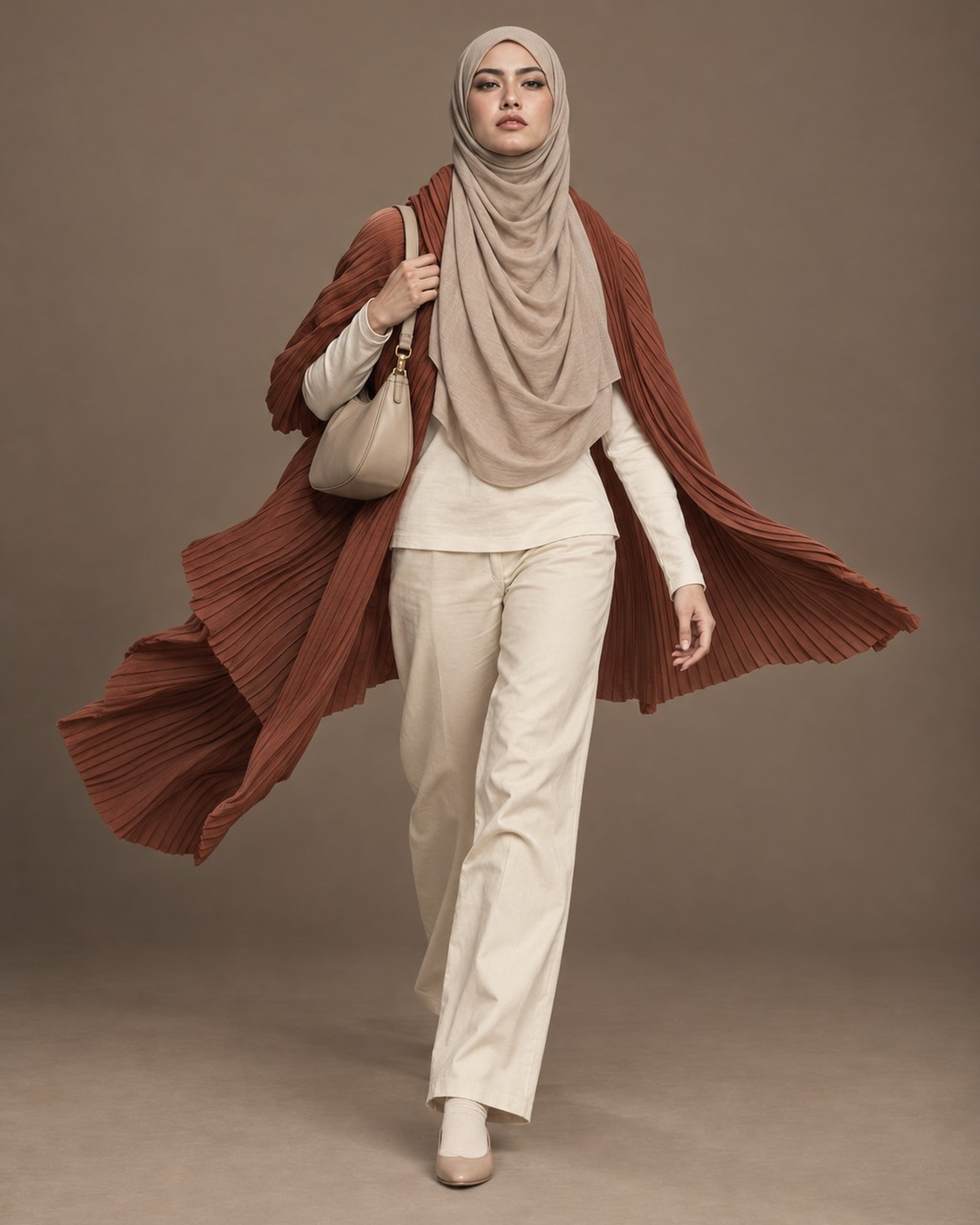
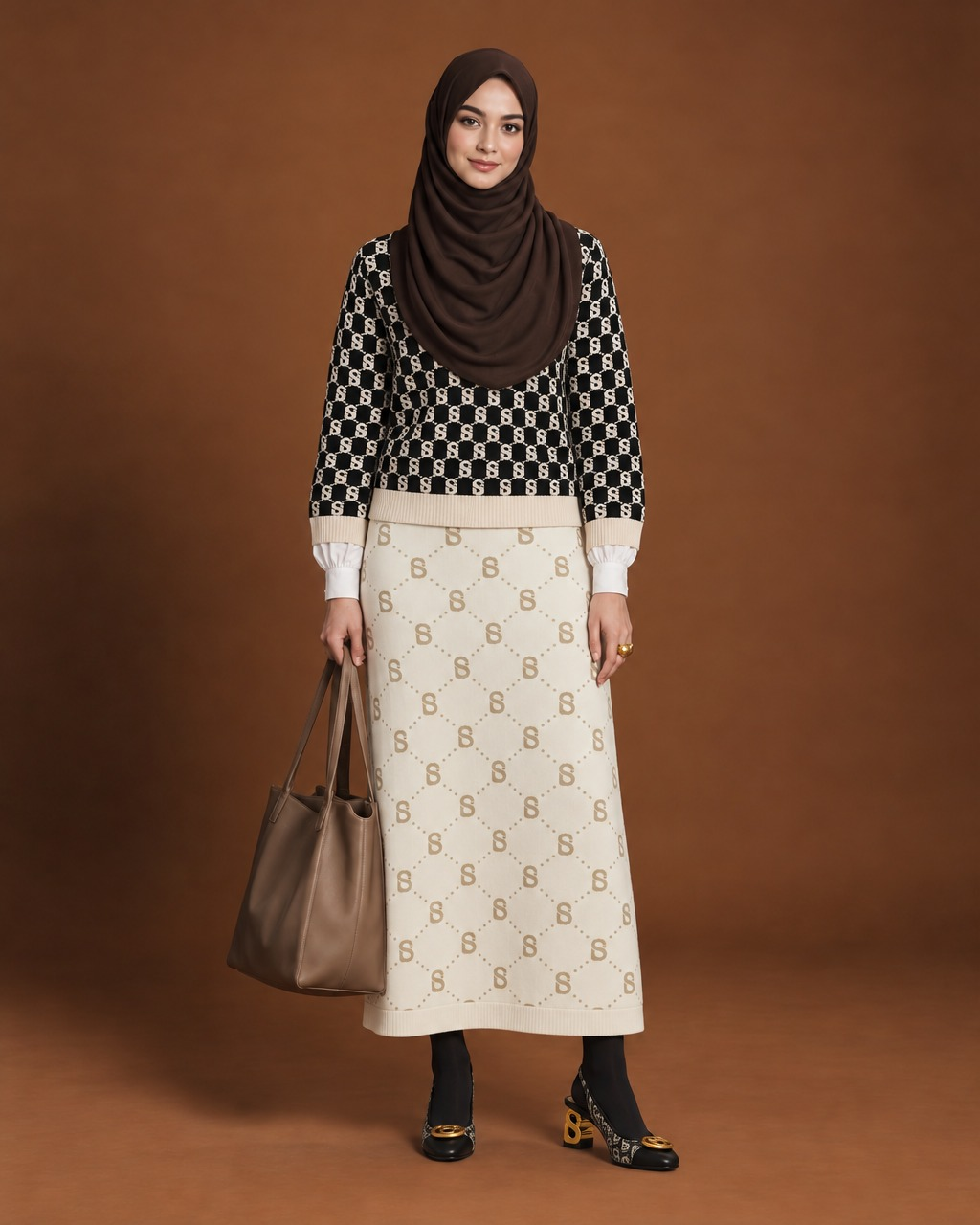
Three simple steps
- Sketch and upload
- Automagic extraction
- Shoot
Start with your sketch
This Fall/Winter modest luxury croquis has a plum hijab, a camel coat with embroidered cuffs, and a brocade maxi skirt. Upload it to Extract items and Potoly automagically finds every piece, with its color, fabric, pattern and details already filled in. No typing needed.
Pick a model and a pose, press shoot, and you see the look on a real-looking person under studio light.
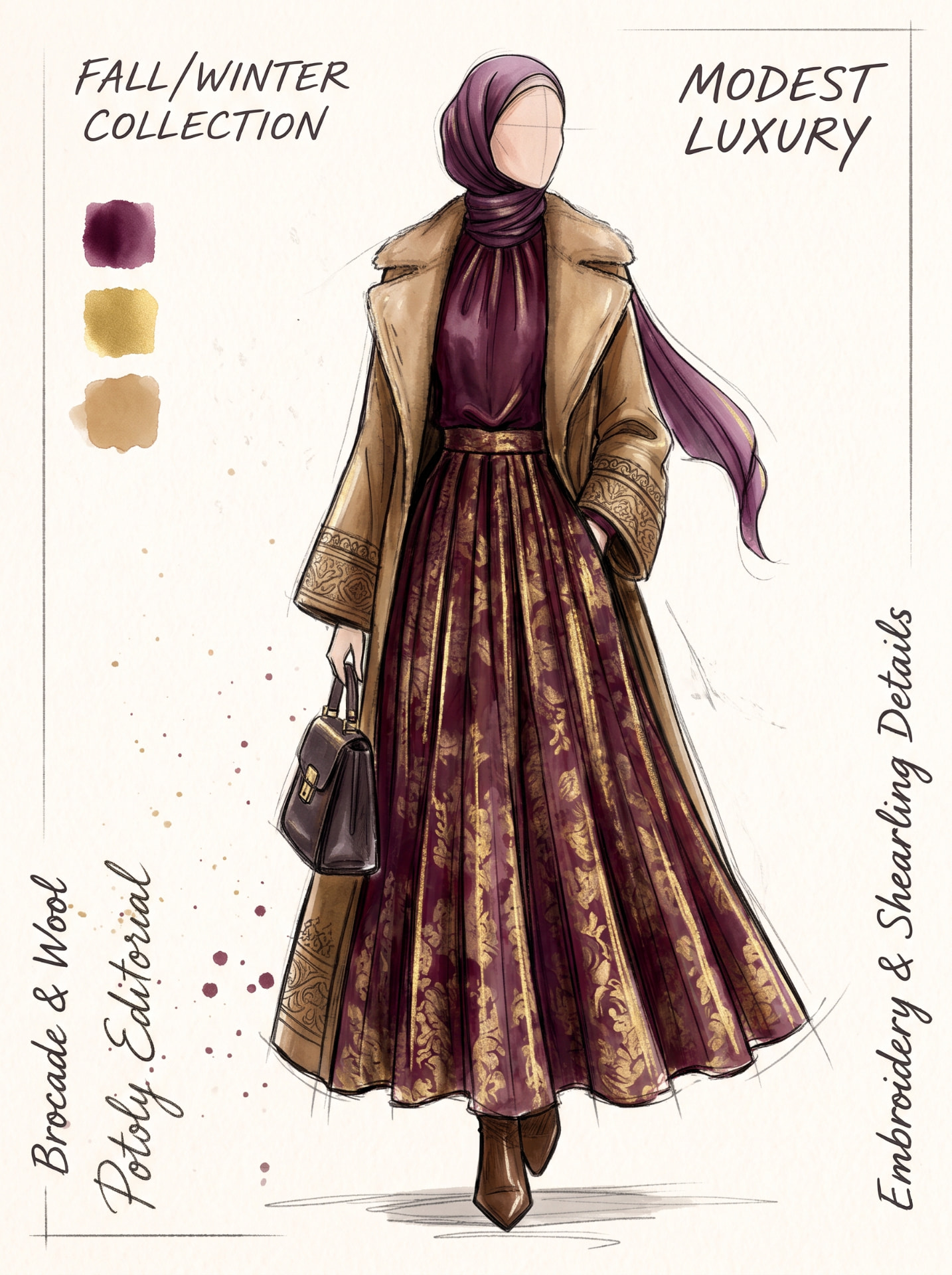
Automagically extracted · 7 items
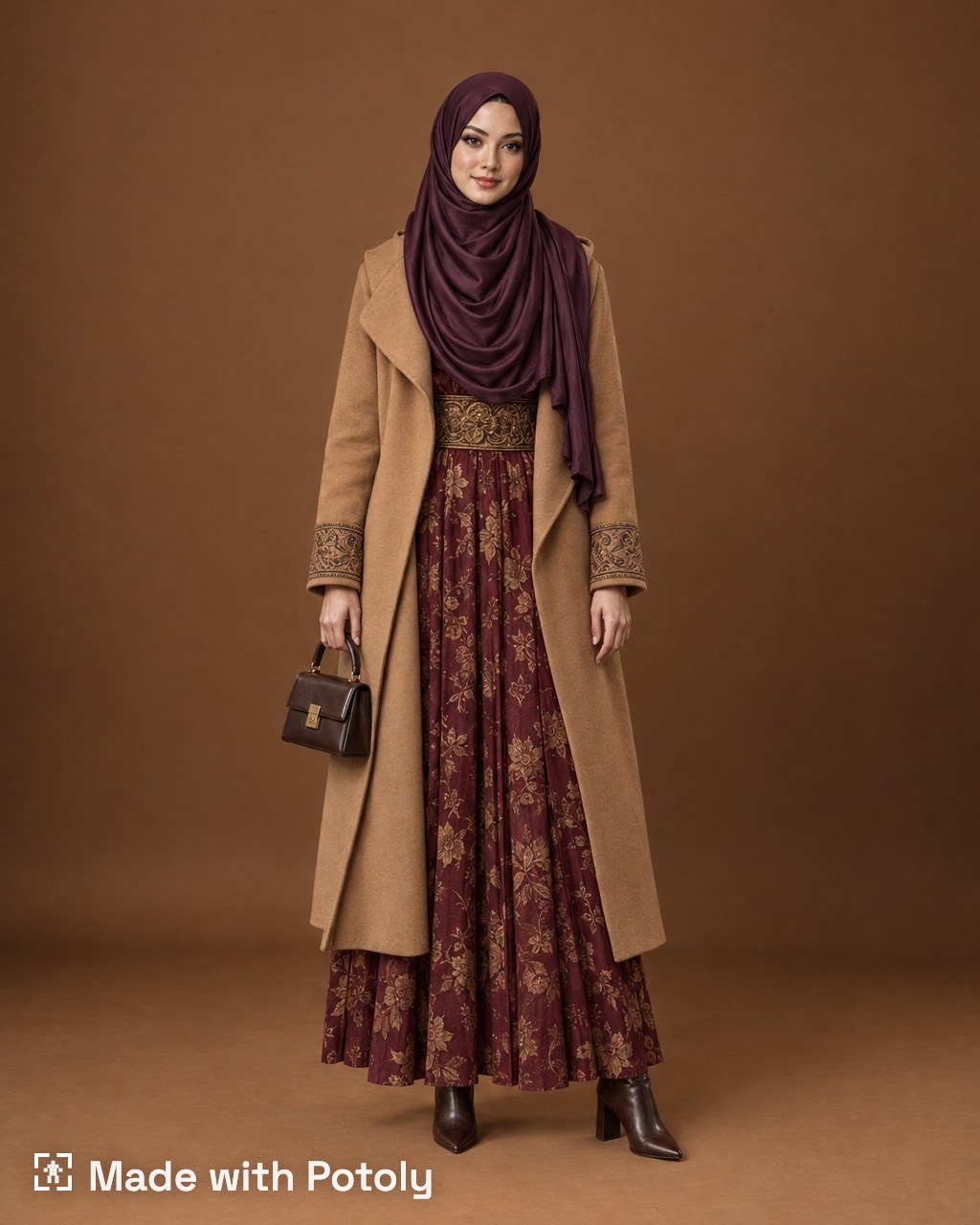
Try a new version in seconds
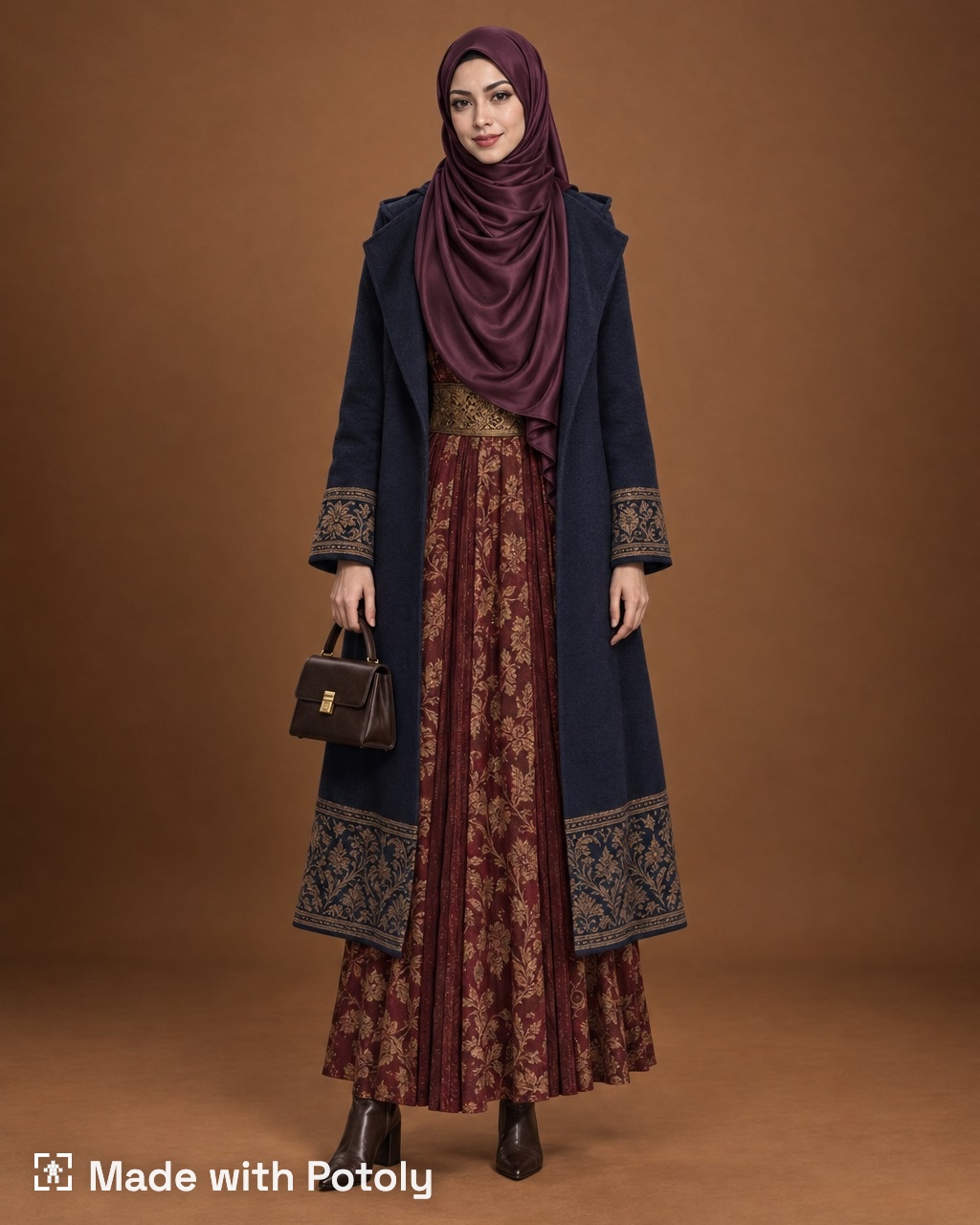
What if the coat were navy? What if the hem had a pattern? Change one item and shoot again. Here the coat turns deep navy and gains a patterned brocade hem, while the rest of the look stays the same.
Side by side, it is easy to see which version feels stronger, without making a second sample.
See it on a different customer
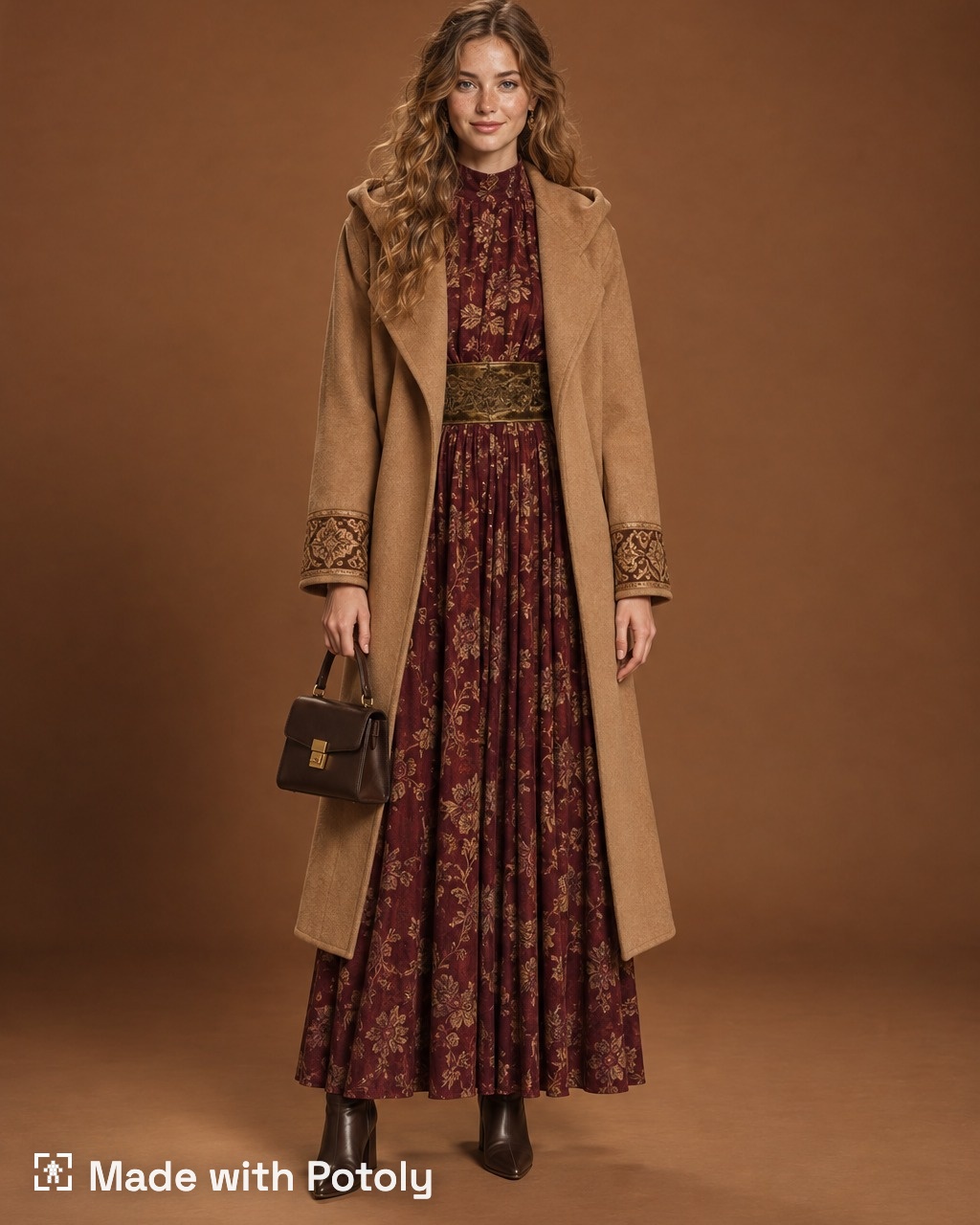
The same design can be cast on a different model. Here the outfit is worn without a hijab, so you can check how it works for a wider audience.
Why this matters
Every round of physical samples takes time and money. Testing ideas as images first could help you go into sampling with fewer open questions and a clearer favorite.
- Describe each piece the way you would brief a pattern maker: color, fabric, fit, details.
- Change one thing at a time so you can compare versions clearly.
- Shoot the same look on several models before you decide.